
IPTV player for Apple TV, Mac, and iPhone
The IPTV player for your own M3U playlist
Ena plays your M3U/M3U8 playlist and organizes live channels, series, and movies with an EPG guide — on Apple TV, Mac, and iPhone. You bring the playlist; Ena organizes it.
- M3U/M3U8 player
- EPG guide (XMLTV)
- Privacy: everything stays on-device
- No ads, no tracking

Key features
Full IPTV playback
Plays HLS, MPEG-TS, and RTMP streams from your M3U/M3U8 playlist, with a quality picker and automatic recovery from stream drops.
Automatic categorization
Ena splits your playlist into Live TV, Series, and Movies, enriched with TMDB artwork, synopses, and season/episode hierarchy.
EPG program guide
Browse your channels' XMLTV schedule and follow what's on now with the built-in mini-EPG.
Instant search at scale
Find any channel across catalogs of 30,000+ entries with a purpose-built search index — no lag.
Real privacy
No ads, no analytics, no tracking. Your playlist, favorites, and recents stay on your device.
Built for Apple TV
Full Siri Remote navigation and complete VoiceOver support, designed for the big screen from day one.
How Ena organizes your playlist
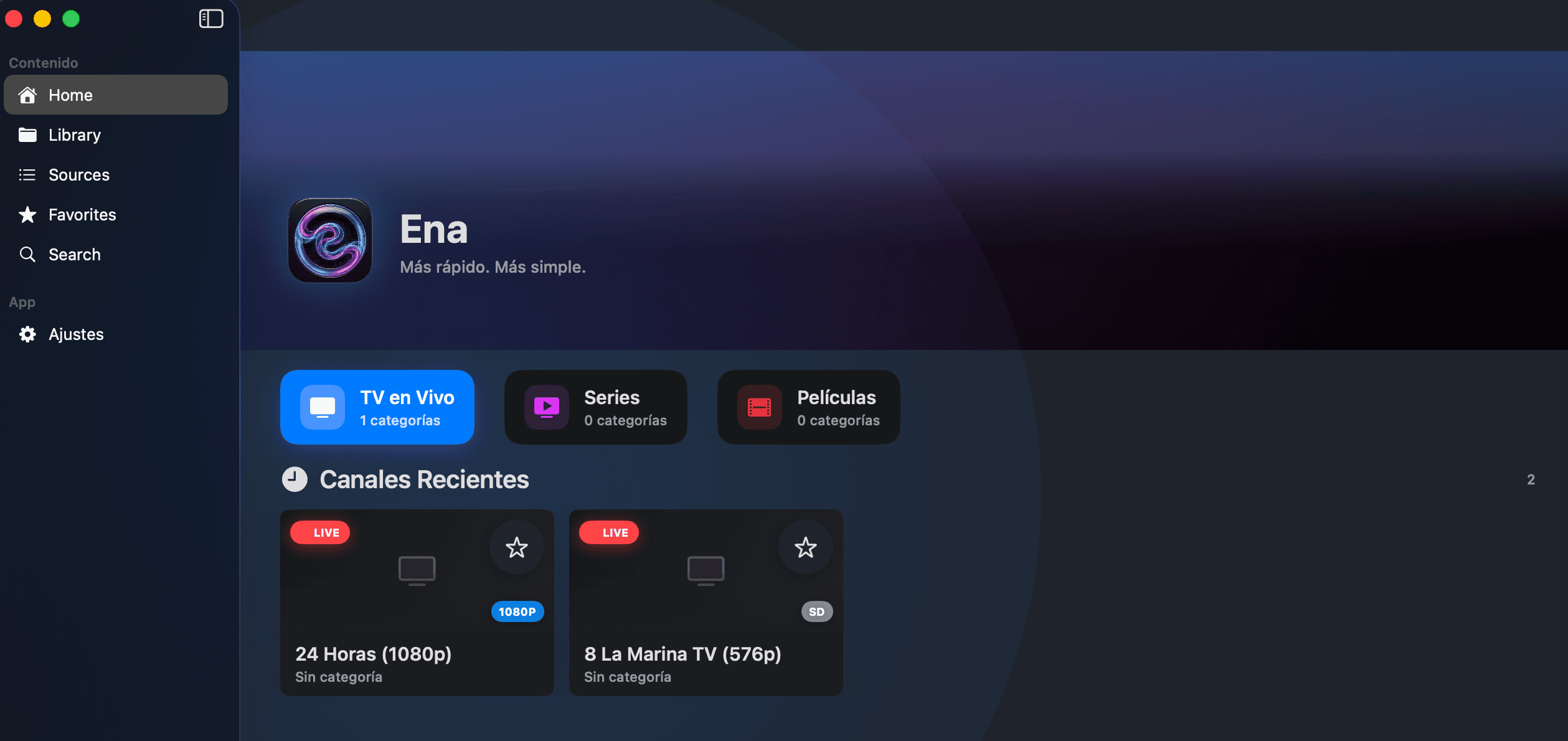
Your M3U playlist, actually organized
Ena imports your playlist and automatically splits Live TV, Series, and Movies into categories, with one-tap access to recents and favorites.
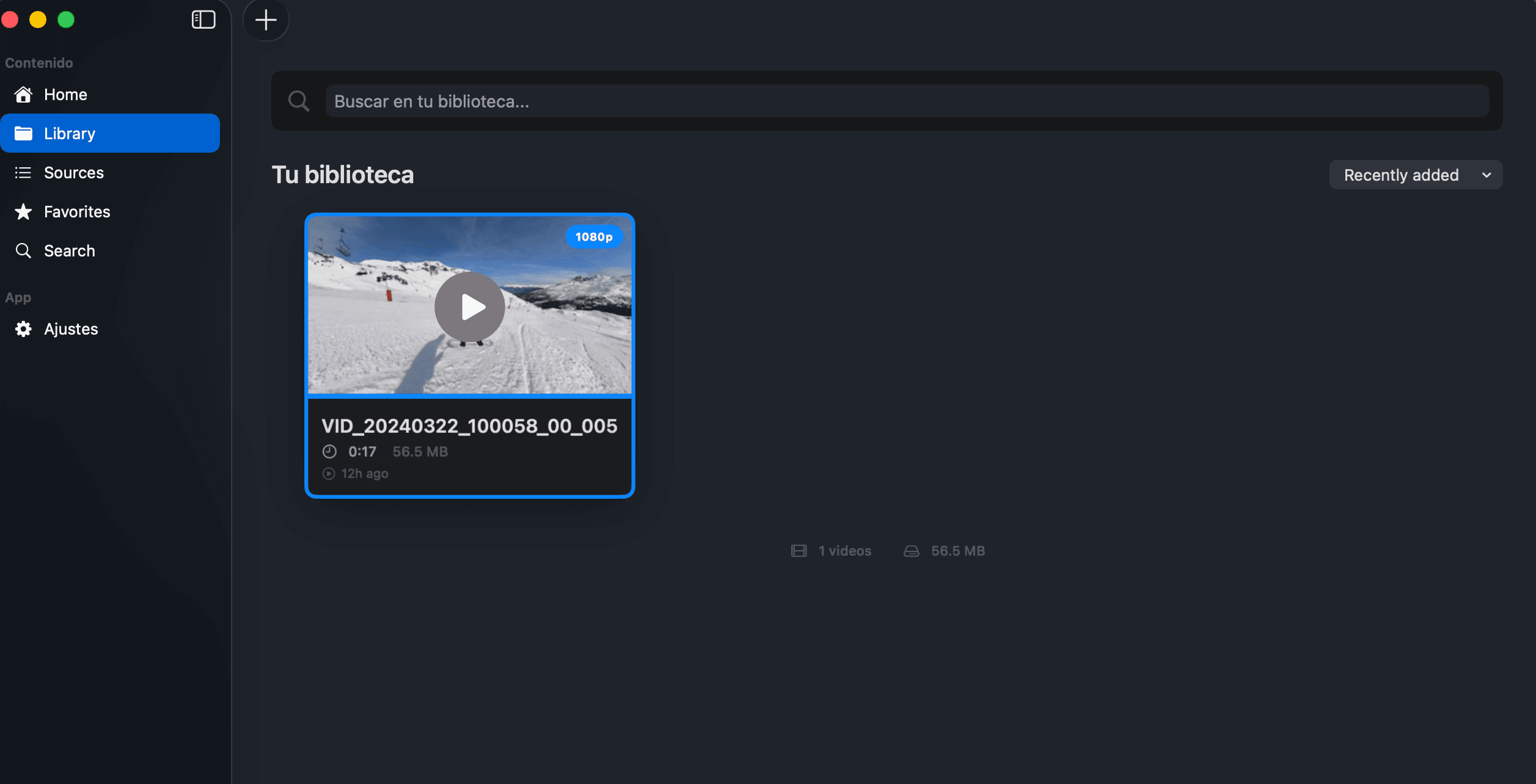
Your local videos, auto-tagged
Add your own local video library — thumbnails, duration, and metadata are generated automatically.
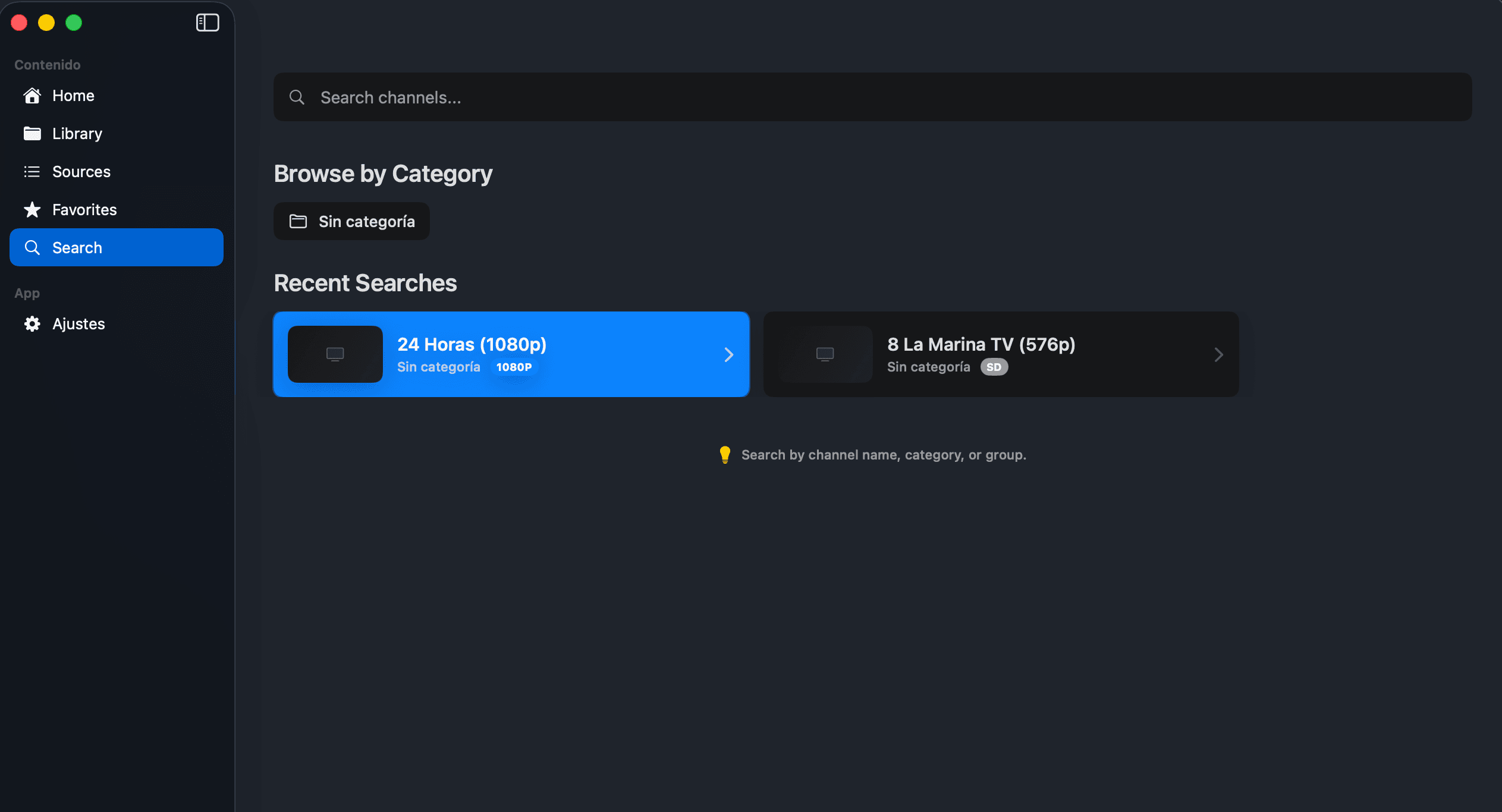
Find any channel instantly
Real-time search by name, category, or group, with recent searches always at hand.
Built by an indie developer
Ena is built by Lucas Ponzoda as an independent app for the Apple ecosystem. No funding round, no ads to pay for — which is exactly what makes the no-ads, no-tracking policy possible.
See ratings on the App Store ↗Download the Ena IPTV player
Available on the App Store for Apple TV, Mac, iPhone, and iPad

Apple TV
Install Ena on your Apple TV and control everything with the Siri Remote — link your playlist without typing URLs from joinena.com/link.
DownloadFrequently asked questions
What is Ena?
Ena is a native IPTV player for Apple TV, Mac, and iPhone that organizes your own M3U/M3U8 playlist into Live TV, Series, and Movies. It doesn't include or distribute any content — you bring your playlist, and Ena organizes it.
Does Ena include channels or IPTV lists?
No. Ena does not include, host, or distribute any channels or IPTV lists — it's exclusively a player for M3U/M3U8 playlists you already have legal access to.
What playlist and streaming formats does Ena support?
Ena supports M3U and M3U8 playlists, and plays HLS, MPEG-TS, RTMP, and HTTP streams using the KSPlayer playback engine.
Does Ena have a program guide (EPG)?
Yes. Ena supports XMLTV-based EPG and shows a mini-EPG in the player with each channel's current and upcoming programs.
How do I link my playlist to Apple TV without typing the URL with the remote?
Copy your Apple TV's virtual MAC address from Settings → Device in the app, link it at joinena.com/link with your M3U playlist, and Ena will activate it automatically on the device.
Does Ena handle very large playlists?
Yes. Ena is optimized for catalogs of 30,000+ channels, with instant search and progressive loading so large playlists stay fast.
Is my data and playlist safe?
Yes. Ena doesn't collect personal data, analytics, or ads; your playlist, favorites, and settings stay on your device unless you enable the optional Apple TV linking feature.
Does Ena have its own servers?
Ena doesn't host content or run its own analytics; the one exception is the optional Apple TV pairing at joinena.com/link, which uses a third-party provider (Supabase) solely to deliver your playlist URL to the linked device.
Can I add local videos alongside my IPTV playlist?
Yes. Ena includes a personal library for local videos, with thumbnails, duration, and metadata generated automatically.
Is Ena accessible?
Yes. Ena has full VoiceOver support and navigation designed for the Siri Remote on Apple TV.
What devices is Ena available on?
Ena is available now on the App Store for Apple TV (tvOS), Mac (macOS), and iPhone/iPad (iOS/iPadOS).
Is it legal to use Ena with my M3U playlist?
Using Ena is legal as long as the M3U playlist you add comes from a source you have the rights to access; Ena doesn't verify or manage the legality of third-party content, and you're responsible for your own playlist.
Need help?
We're here to help. Contact us and we'll respond as soon as possible.